
DocSend vs Dropbox for Sharing Documents (2026)
DocSend is built for document tracking, Dropbox for file storage and sync, and both are Dropbox-owned. Here is how they compare for sharing documents, where.

On this page
- DocSend vs Dropbox at a glance
- What DocSend is built for
- What Dropbox is built for
- Where each one wins
- A decision framework: which tool for which job
- Where Plox fits
- DocSend vs Dropbox: a worked example
- The honest limitation
- How to choose
- Ready to track every page for free?
- Frequently asked questions
- Is DocSend owned by Dropbox?
- Is DocSend or Dropbox better for sharing a pitch deck?
- Does Dropbox track who views a document?
- Is DocSend free?
- Can I use Dropbox as a data room?
- Do I need both DocSend and Dropbox?
DocSend vs Dropbox is a comparison of two products that solve different jobs, and they are both owned by Dropbox. DocSend tracks document engagement with page-by-page analytics when you share decks and proposals. Dropbox stores, syncs, and shares files across teams. Choose DocSend to see who read what, Dropbox to store and sync, or Plox to do both for free.
DocSend vs Dropbox at a glance
The fastest way to decide between DocSend or Dropbox is to name the job. One product watches your documents after you send them. The other keeps your files organized, synced, and backed up.
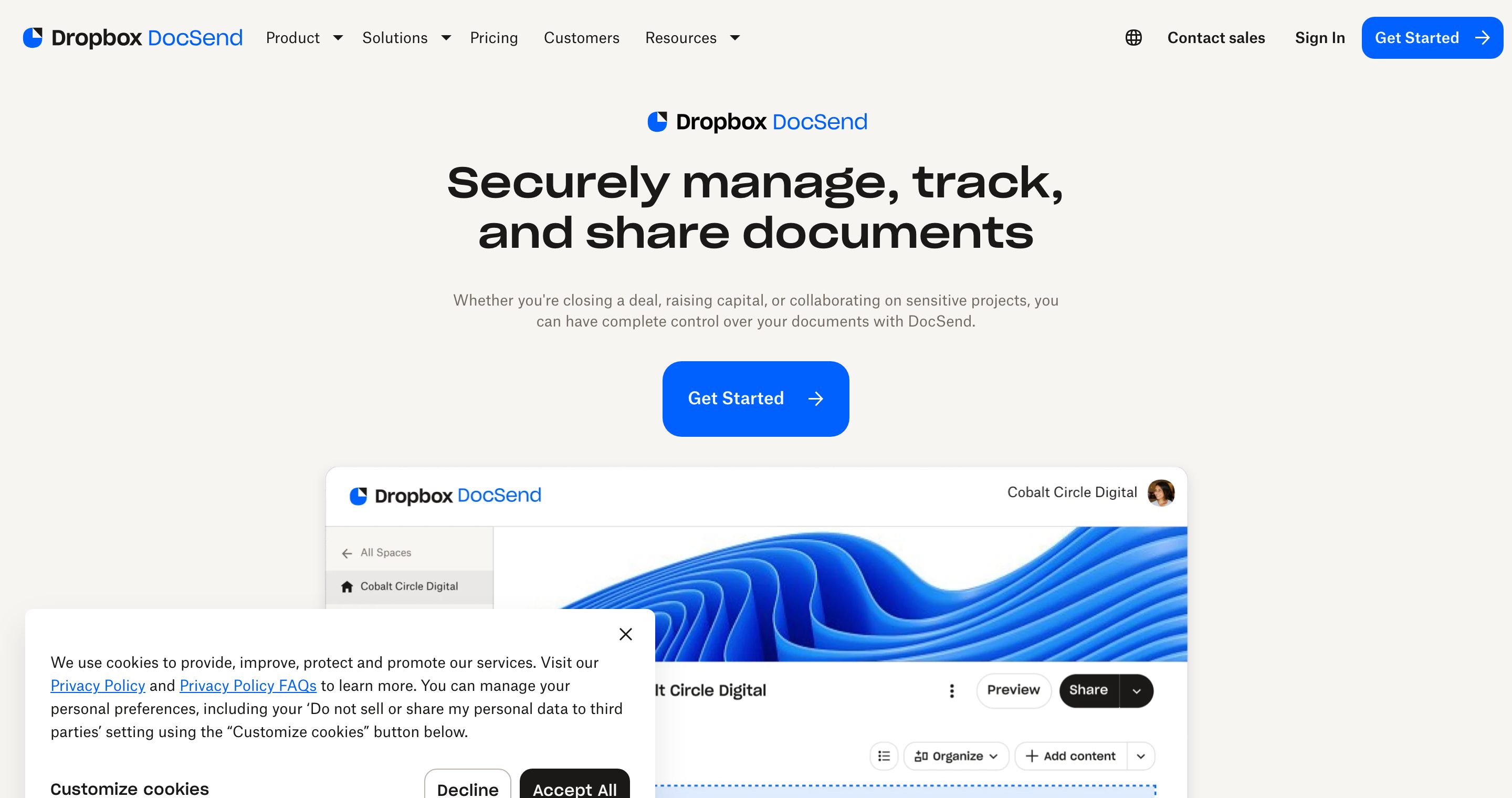
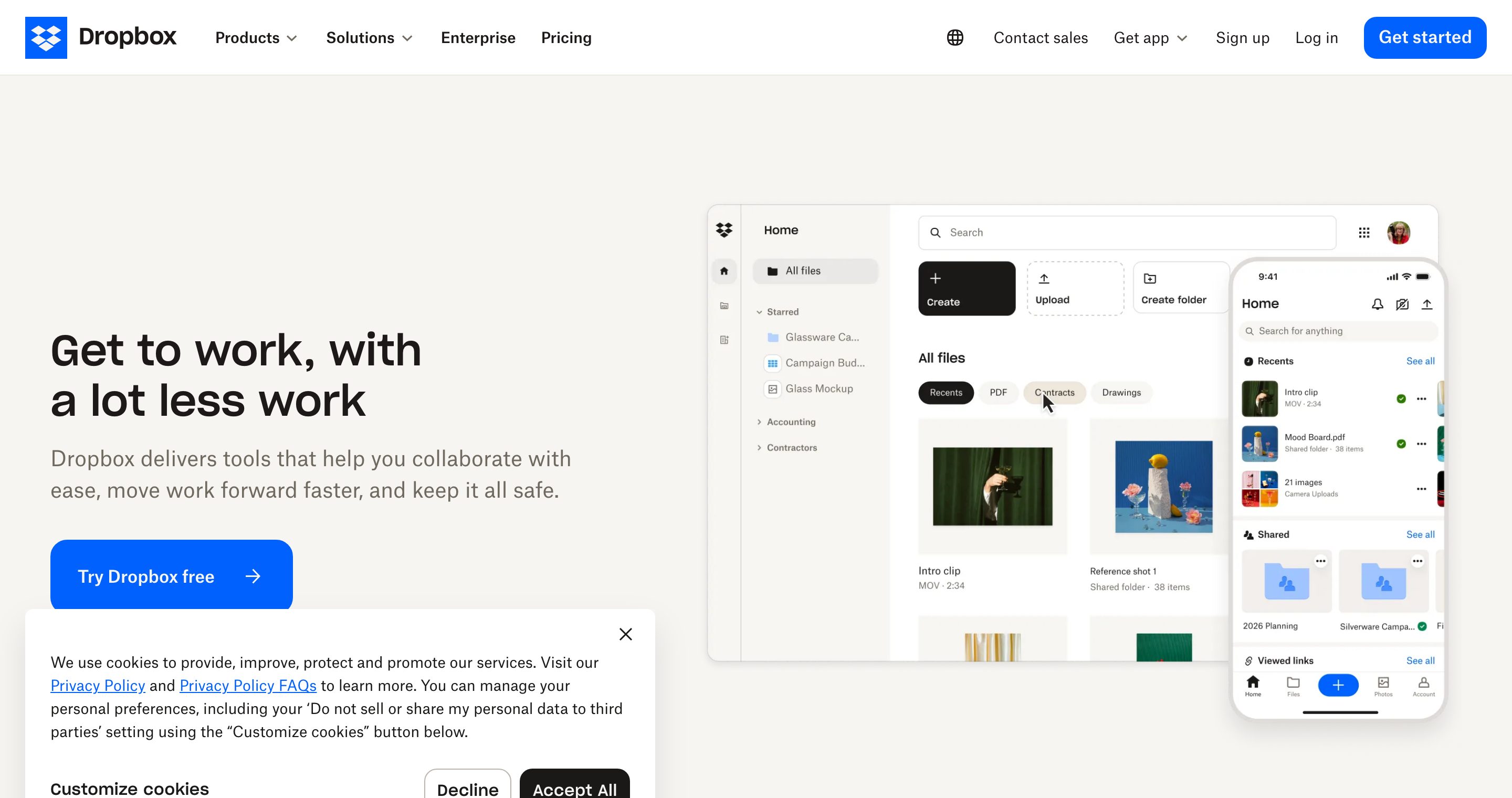
They overlap on the surface because both can produce a shareable link. The experience behind that link is very different. DocSend turns a shared link into a tracked session. Dropbox turns a shared link into access to a stored file.
There is one fact people miss. DocSend is a Dropbox product. Dropbox acquired it in 2021, so you are not choosing between two rival companies, you are choosing between two tools from the same company built for two different jobs. Dropbox itself markets DocSend as the engagement layer that sits on top of its storage. If you confuse the two, you either lose visibility or pay for analytics you will never open.
| Dimension | DocSend | Dropbox | Plox |
|---|---|---|---|
| Primary job | Track decks and proposals after sending | Store and sync files across a team | Secure trackable sharing plus data rooms |
| Page-by-page analytics | Yes | No | Yes, on every plan including Free |
| Free plan | Limited, restricted features | Storage free, no document tracking | Real free plan: links, analytics, notifications |
| Real-time view notifications | Yes | No | Yes, on every plan |
| Watermarking | Dynamic, on paid tiers | None | Dynamic per-viewer watermark |
| NDA / email gating | Email capture, passcode | Password, expiry on paid links | Email verify, passcode, one-click NDA |
| Data rooms | Spaces, higher tier | Shared folders, informal only | Built-in data rooms with Ploxie AI |
| Security controls | Passcode, expiry, access revoke | Password, expiry, access removal | Passcode, expiry, revoke, allow/deny download |
| Pricing model | Per user, published | Per storage tier, published | Flat, published, fully self-serve |
| Best for | Fundraising and sales tracking | Team file storage and sync | Founders and dealmakers who want both |
What DocSend is built for
DocSend exists to answer one question: what happened after I hit send. It is a sales and fundraising tool first and a sharing tool second.
Its core strengths are real, and it is worth being fair about them. DocSend pioneered link-level document analytics for fundraising, and its tracking is genuinely good. The core features are:
- Page-by-page analytics on decks, proposals, and reports, so you see exactly which slide an investor lingered on.
- Viewer controls like email capture, passcodes, and link expiry.
- Spaces, a higher-tier data room feature for grouping documents into a deal room.
- Real-time notifications when a link is opened.
Founders use DocSend to see how investors move through a pitch deck. Sales teams use it to spot which prospects actually read the proposal. The tracking is the product, and it does that job well.
The trade-off is cost and scope. DocSend is priced per user, the detailed analytics and stronger controls live on paid plans, and it is not where you keep your day-to-day files. You still need somewhere to store everything else, which is usually Dropbox or Google Drive. DocSend pricing is published on its site, so check current pricing before you budget, because per-user plans add up fast for a small team that adds people.
What Dropbox is built for
Dropbox is a storage and sync platform. Its job is to keep your files available, versioned, and shareable across every device and teammate.
Its core strengths are:
- Reliable sync across desktop, mobile, and web. This is the part Dropbox does better than almost anyone.
- Large file storage with generous capacity on paid tiers.
- Shared folders for ongoing team collaboration on the same set of files.
- Password and expiry controls on shared links for paid accounts.
Dropbox shines when many people work from the same set of files over time. It is the filing cabinet, not the tracking system. Where Dropbox is genuinely strong, give it credit: sync reliability and offline access are best in class, and the desktop integration is seamless.
The trade-off is visibility. Dropbox does not give you page-by-page analytics. A shared link tells you a file was accessed at best, not how someone read a specific page. For storage that is fine. For a fundraise or a deal, it leaves you blind. You cannot tell whether an investor opened your deck, skipped to the financials, or never got past slide two.
Where each one wins
Pick DocSend when:
- You are sending decks or proposals and need engagement data.
- You want to gate access with email capture or a passcode.
- Knowing reader behavior changes your next move, like which investor to call first.
Pick Dropbox when:
- You need a shared home for files your team edits constantly.
- Storage capacity and sync reliability matter more than analytics.
- You are not trying to measure how documents are read.
The honest summary in the dropbox vs docsend debate is that most teams eventually want both: storage from one and tracking from the other. That gap is exactly where a third option fits.
A decision framework: which tool for which job
Use this to pick in under a minute. Start at the top and stop at the first match.
- You only need to store and sync working files your team edits daily. Use Dropbox. Tracking is irrelevant here, and Dropbox sync is excellent.
- You are sending a fixed document (a deck, a memo, a proposal) and you need to know how it was read. Use a tracking tool. DocSend does this, and so does Plox on its Free plan.
- You need tracking but you are a small team or a solo founder watching cost. Plox gives full page-by-page analytics free, with no per-user charge. DocSend gates analytics behind paid per-user plans.
- You need to share many documents under access control with NDAs and per-viewer watermarking, not just one link. You need a data room. DocSend offers Spaces on a higher tier. Plox builds data rooms in, with Ploxie AI to answer viewer questions from the documents.
- You want one tool that covers secure sharing, analytics, and data rooms without stitching two products together. That is the Plox case.
This framework is the point most comparison articles skip. The choice is rarely DocSend versus Dropbox in isolation. It is which job you are doing today, and whether you want to pay for two tools to cover two jobs.
Where Plox fits
Plox is a modern, free-to-start platform that bridges tracking and secure sharing in one tool. It gives you secure trackable links with no viewer account and no forced download, plus page-by-page analytics and real-time notifications on every plan, including the Free plan.
That last point matters. With DocSend, analytics sit behind paid per-user tiers. With Dropbox, they do not exist. With Plox, you get full tracking from day one at no cost, then add controls as you grow. The link never changes, so you can update the underlying file anytime without resending.
Plox pricing is flat, published, and fully self-serve, not per user or per gigabyte, so a small team is not penalized for adding people or files. There is a genuine free plan with no credit card and no time limit, and a 14-day trial on data rooms. If your real need is a deal room rather than a single tracked link, Plox data rooms are built in rather than reserved for a top tier, and Ploxie AI answers viewer questions straight from the documents.
For a deeper feature-by-feature breakdown, read the full DocSend comparison and the Dropbox comparison, or browse all Plox comparisons.
DocSend vs Dropbox: a worked example
Say you are a founder raising a Series A. Here is how the same week plays out on each tool.
On Dropbox. You drop the deck into a shared folder and send the link to twelve investors. Three weeks later you have no idea who opened it. You see the folder was accessed a handful of times, but not by whom or which slides held attention. You follow up blind, emailing all twelve the same generic nudge.
On DocSend. You upload the deck, get a tracked link, and send it. Now you see that investor four spent ninety seconds on the financials and re-opened the deck twice. You call investor four first. This is exactly what DocSend is for, and it works. The cost is a per-user paid plan, and your day-to-day files still live somewhere else.
On Plox. You turn the deck into a secure trackable link on the Free plan, send it, and get the same page-by-page analytics plus a real-time ping the moment someone opens it. When two investors ask for the full data set, you spin up a data room with folders, a one-click NDA, and per-viewer watermarking, without upgrading to an enterprise tier or moving your files. One tool, one link, tracking from the first day.
The honest limitation
Plox is not a file sync and backup tool. If your actual need is a synced filing cabinet where a team edits the same spreadsheets and design files all day across devices, Dropbox does that better, and Plox is not trying to replace it. Plox is built for sharing documents securely and tracking how they are read, not for being the drive your team works out of.
If you genuinely need both jobs, the realistic setup is Dropbox for working storage and Plox for secure trackable sharing and data rooms. That still beats paying for Dropbox plus DocSend, because Plox covers the tracking and the deal-room layer on one flat plan instead of a per-user one.
How to choose
Start from the job, not the brand.
If the document is a pitch deck or proposal and you care about reader behavior, you want tracking. See how a tracking-first tool stacks up in our guide to what DocSend is and the broader list of DocSend competitors.
If your main need is a shared, synced home for working files, you want storage, and Dropbox is the right call.
If you want both, secure trackable sharing with analytics from the start and room to add data rooms later, look at the wider category in our roundup of the best secure document sharing software. Plox is the simplest place to begin because the tracking is free.
For the standard playbook on why link-level analytics matter for fundraising, the Y Combinator guide to raising money is a solid primer on why knowing how investors engage with your materials changes how you run a raise.
Ready to track every page for free?
If you want DocSend-style page-by-page analytics without the per-user bill, and the option of a real data room when you need it, start free on Plox. No credit card, no time limit, full tracking and real-time notifications on the Free plan, with data rooms and per-viewer watermarking when a single link is not enough.
Frequently asked questions
Is DocSend owned by Dropbox?
Yes. Dropbox acquired DocSend in 2021, and DocSend is now a Dropbox product sold separately from the core storage service. So a DocSend vs Dropbox decision is really a choice between two tools from the same company built for two different jobs: tracking versus storage.
Is DocSend or Dropbox better for sharing a pitch deck?
DocSend is better for a pitch deck because it shows page-by-page analytics and notifies you when a viewer opens the link. Dropbox can share the file but cannot tell you how investors read each slide. Plox gives the same page-by-page analytics on its Free plan.
Does Dropbox track who views a document?
Dropbox can show that a shared link or file was accessed, but it does not provide page-by-page reading analytics. For detailed engagement data on a specific document, you need a tracking tool like DocSend or Plox.
Is DocSend free?
DocSend offers a limited free tier, but its detailed analytics and viewer controls generally sit on paid, per-user plans. Check current DocSend pricing before budgeting. Plox includes full page-by-page analytics and real-time notifications on its Free plan instead, with no per-user charge.
Can I use Dropbox as a data room?
Dropbox supports shared folders, which some teams use as an informal data room, but it lacks file-level permissions, NDA gating, per-viewer watermarking, and reading analytics. Purpose-built data rooms, like those in Plox, add those controls and an AI assistant that answers viewer questions from the documents.
Do I need both DocSend and Dropbox?
Many teams use Dropbox for storage and DocSend for tracking, paying for two tools. A single platform like Plox can cover secure trackable sharing, page-by-page analytics, and data rooms on one flat plan, which removes the need to stitch two per-user and per-storage products together. You may still keep Dropbox for daily file sync.
Written by the Plox team
Plox builds secure document sharing and virtual data room software for founders and dealmakers. We share pricing and comparisons transparently, and recheck competitor details regularly.