
The Best Tools to Share a Pitch Deck With Investors (2026)
Plox and DocSend lead the field for trackable deck sharing. Here is the founder shortlist with verdicts, selection criteria, a full comparison table, a.

On this page
- What founders actually need from a deck sharing tool
- Selection criteria: how we ranked these tools
- The shortlist with verdicts
- Plox
- DocSend
- Papermark
- Google Slides link
- Email PDF attachment
- Comparison table
- How to choose
- The pitch deck sharing checklist for founders raising a round
- One honest limitation
- Recommendation
- Frequently asked questions
- What is the best pitch deck sharing tool for raising a round?
- Can I see which slides an investor spent the most time on?
- Is it safe to email my pitch deck as a PDF attachment?
- Can I update my deck after sending the link?
- How do I stop investors from downloading my deck?
- Is there a free way to share a pitch deck with tracking?
- What is the difference between Plox and DocSend?
The best pitch deck sharing tool turns your deck into a secure, trackable link instead of an email attachment, so you can see who opened it, how long they spent on each slide, and update the file without resending. For founders raising a round, Plox and DocSend lead the field. Plox is the top pick for free per-slide analytics, email capture, and update-without-resend.
What founders actually need from a deck sharing tool
Sending a pitch deck as an email attachment is the wrong move. You lose all visibility the moment you hit send, and you cannot change the file once it is out. A proper pitch deck sharing tool gives you control and feedback that a raw PDF never will.
The fundraising context matters here. A seed or Series A raise is a sales process with a long list of prospects, a narrow window, and almost no feedback unless you build it in. The deck is your main asset, and how investors interact with it is the only signal you get between a forwarded link and a reply. The right tool converts that silence into data.
Here is what matters when you share your deck with investors.
- Per-slide tracking. You want to see which slides an investor lingered on, which they skipped, and which they went back to. That tells you what is landing and what needs work.
- Email capture. Requiring an email before someone views the deck tells you exactly who is reading it, even if a partner forwarded the link internally.
- Update without resending. When you fix a typo or refresh a metric, you should be able to swap the file behind the same link. No awkward follow-up email.
- Looks professional. A clean branded viewer signals that you take the raise seriously. A Google Drive link does not.
- Control. You should be able to disable downloads and revoke access whenever you choose.
If a tool cannot do these things, it is not built for fundraising.
Selection criteria: how we ranked these tools
Listicles are only useful if you can see the scoring behind them. We ranked each tool on the dimensions that actually decide a raise, weighted toward what a founder feels in the first week of sending the deck out.
- Per-slide analytics depth. Does it show time per slide, completion percentage, and revisits, or just a single "opened" event? Depth here is the whole point.
- Real-time notifications. Knowing the moment a partner opens your deck lets you time your follow-up while you are still top of mind.
- Email capture and identity. Can you require an email before viewing, so a forwarded link still tells you who read it?
- Update-without-resend. Can you swap the underlying file behind a live link so the URL never changes and everyone sees the latest version?
- Document control. Disable downloads, set link expiry, add a passcode, revoke access, and apply a per-viewer watermark.
- Free plan quality. Is the free tier good enough to run a real raise, or is it a demo that pushes you to a paid plan within a week?
- Branded viewer and storytelling. Does the deck open in a clean, branded experience, or a generic file preview?
- Price and transparency. Is pricing published and self-serve, or gated behind a sales call?
Every tool below is scored against these eight dimensions. The comparison table later in this guide maps each one so you can see the trade-offs at a glance.
The shortlist with verdicts
Plox
Plox is the strongest free option for founders raising a round. You upload your deck, get a secure trackable link, and share it. From there you can see which investors opened it, how long they spent on each slide, which slides they revisited, and the completion percentage. You can require an email to view, disable downloads, and update the file behind the link without resending. You also get real-time notifications the moment someone opens your deck.
The analytics are the headline feature. Slide-by-slide engagement data is exactly what you need to refine your story between meetings. If every investor drops off at slide 7, that slide is the problem, and you can fix it before the next meeting because the link never changes when you swap the file.
Plox is also built founder-native. The link is the unit you share, not a file you re-attach. Beyond the deck, you can add a passcode, turn on email verification, apply a one-click NDA, set an expiry date, and revoke access at any time. Every page carries a dynamic watermark stamped with the viewer's identity, which is a real deterrent against a deck leaking to a competitor. When diligence starts, the same account gives you AI virtual data rooms with folders, branding, and Ploxie AI that answers viewer questions straight from your documents.
The free plan covers the core sharing and tracking workflow with no credit card and no time limit, so most founders can run an entire raise without paying. Paid plans add watermarking, data rooms, custom branding, a custom domain, and advanced security, and there is a 14-day Data Rooms trial. Pricing is flat, published, and fully self-serve, so there is no sales call to share a deck.
Verdict: Best for founders who want a free, trackable link with serious per-slide insight and room to grow into a data room.
DocSend
DocSend is the long-standing incumbent and a genuine leader in this space. It offers slide-by-slide analytics, email gating, and download controls, and it is widely recognised by investors, who have seen thousands of decks arrive as DocSend links. That brand familiarity is a real advantage: a DocSend link reads as "this founder knows the process." It is the one thing DocSend does better than almost anyone, because trust at the open is worth something during a raise.
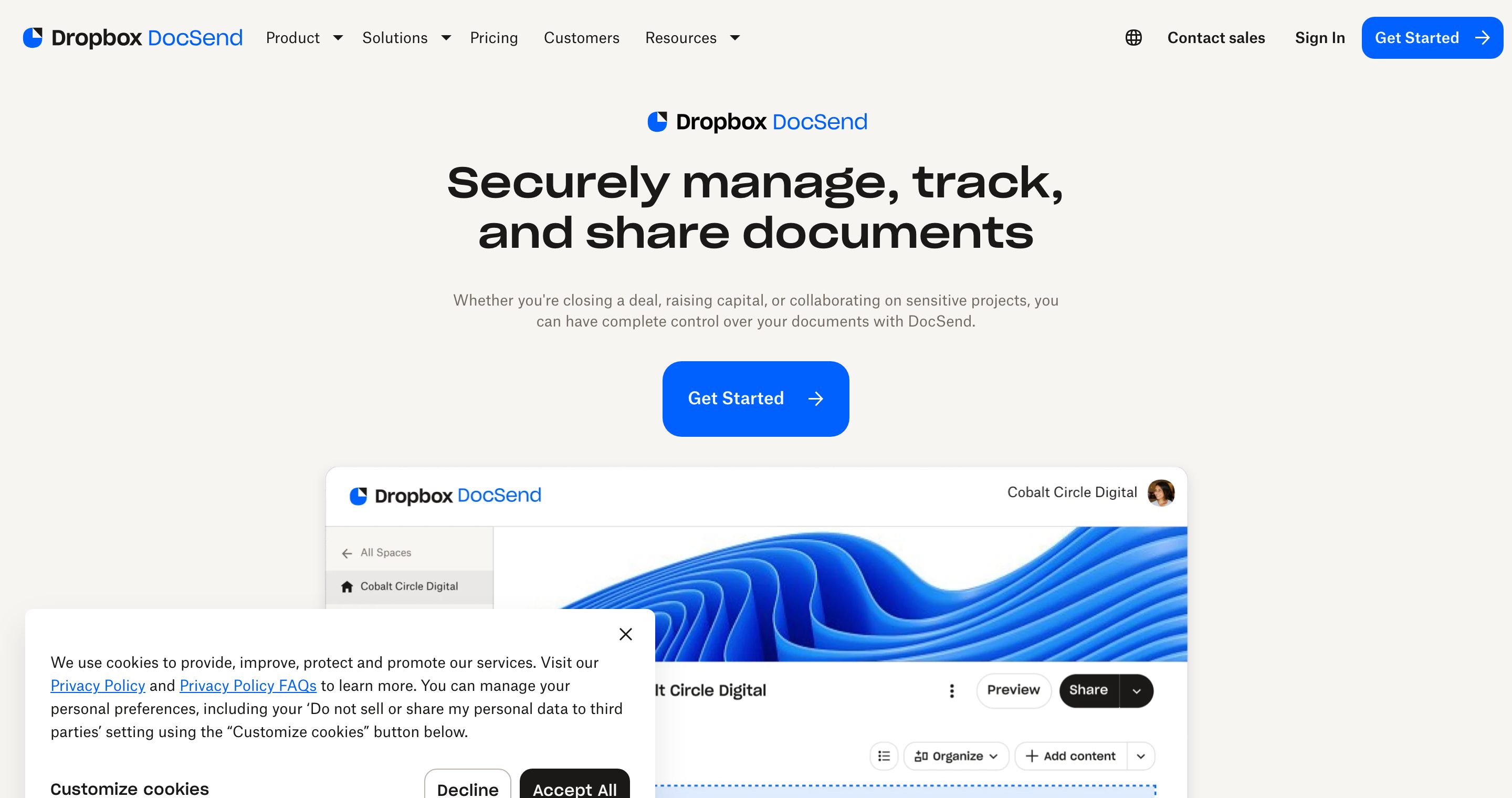
The trade-offs are cost and access. The free tier is limited, and stronger controls such as advanced security and custom branding sit on higher-priced plans. For teams sharing both sales and fundraising decks at scale, it remains a solid choice. DocSend pricing is published on its own site, so check current pricing there before you commit. See our Plox vs DocSend comparison for a closer look, and what is DocSend for a full primer.
Verdict: A capable, well-recognised incumbent, but pricier than the free alternatives for a single raise.
Papermark
Papermark is an open-source alternative that covers the basics: trackable links and view analytics. If you want to self-host or audit the code, it is a reasonable pick, and the open-source license is a genuine strength for security-conscious teams who want to inspect exactly what runs. The hosted analytics are more basic than Plox or DocSend, and self-hosting means you own the maintenance, updates, and uptime yourself.

Verdict: Best for teams who specifically want an open-source, self-hostable option.
Google Slides link
Sharing a Google Slides link is free and quick, but it gives you almost no fundraising signal. There is no per-slide engagement data, email capture is weak, and view tracking is effectively absent. Google does publish solid guidance on link-sharing permissions in its Workspace sharing documentation, and the access controls are fine for collaboration. They are not built for tracking an investor through a deck. It works for casual sharing with a co-founder or advisor, not for a serious investor process.
Verdict: Fine for casual sharing, not for tracking an investor.
Email PDF attachment
Attaching a PDF to an email gives you zero tracking, zero control, and zero ability to update the file. Once it is sent, it can be forwarded anywhere and you will never know. There is no way to revoke it, no way to see who opened it, and no way to fix a wrong number after it lands in a partner's inbox. Do not use this method to share a deck with investors.
Verdict: Do not use. No tracking, no control.
Comparison table
| Tool | Free plan | Per-slide analytics | Email capture | Update without resend | Download control | Watermarking | NDA / data rooms | Pricing model | Best for |
|---|---|---|---|---|---|---|---|---|---|
| Plox | Yes, no card, no time limit | Yes, plus completion % and real-time alerts | Yes | Yes | Yes | Yes, per-viewer dynamic | One-click NDA + AI data rooms | Flat, published, self-serve | Founders raising who want a free trackable link |
| DocSend | Limited | Yes | Yes | Yes | Yes, higher tiers | Yes, higher tiers | Limited rooms, higher tiers | Published, self-serve | Sales and fundraising decks at scale |
| Papermark | Yes, open source | Yes, basic | Yes | Yes | Basic | Basic | Basic | Open source / self-host | Teams wanting an open-source option |
| Google Slides link | Yes | No | Weak | Yes (same file) | Weak | No | No | Free | Casual sharing with a co-founder |
| Email PDF | Yes | No | No | No | None | No | No | Free | Do not use, no tracking |
How to choose
The decision comes down to budget and depth of insight.
- Raising now and want it free: Start with Plox. You get a trackable link, per-slide analytics, email capture, real-time notifications, and update-without-resend on the free plan.
- Already invested in an incumbent stack: DocSend works well if you are happy with its pricing and use it across sales too, and investors recognise the link.
- Need open source or self-hosting: Papermark is the option to evaluate.
- Just sharing with a co-founder: A Google Slides link is fine for that narrow case.
For most founders, the honest answer is that you do not need to pay to run a tracked raise. For a deeper walkthrough of the end-to-end process, see how to share a pitch deck with investors.
The pitch deck sharing checklist for founders raising a round
Copy this into your raise tracker and work through it before you send a single link. It is built to be acted on in order, from setup to follow-up.
Before you send the link
- Export the latest deck to PDF and upload it to your sharing tool, not your inbox.
- Turn on email capture so every viewer is identified, even after a forward.
- Disable downloads for cold outreach; allow them only for investors in active diligence.
- Set an expiry date on cold links (for example 14 days) so a stale deck cannot circulate forever.
- Turn on a per-viewer watermark so any leaked screenshot traces back to a source.
- Confirm the viewer opens in a clean, branded experience, not a raw file preview.
- Use one distinct link per firm so you can tell which fund is reading, not just that "someone" did.
As you send
- Send a unique link to each investor or firm, never one shared link for the whole list.
- Name each link in your tool so your analytics dashboard reads like your pipeline.
- Turn on real-time open notifications so you know the moment a partner opens it.
While the round is live
- Check time-per-slide weekly. If everyone drops at the same slide, rewrite that slide.
- Watch completion percentage. A 30 percent completion rate across the board is a deck problem, not a market problem.
- When a partner re-opens the deck before a meeting, treat it as a buying signal and follow up that day.
- Swap the file behind the live link whenever you update a metric. The URL never changes, so no resend.
When diligence starts
- Move sensitive financials and contracts into a data room rather than sending more loose links.
- Apply a one-click NDA before granting access to confidential documents.
- Revoke any cold links that are no longer active.
Worked example: a founder raising a Series A sends 40 unique links. By week two the dashboard shows partners at three firms re-opening the deck and reaching 90 percent completion, while 25 links stalled at slide 6. The founder rewrites slide 6, swaps the file behind every live link without resending, and prioritises the three engaged firms for follow-up calls. That is the entire value of a tracked link: it tells you where to spend your time.
One honest limitation
A sharing tool is not a fix for a weak deck or a weak story. If the narrative does not land, slide-by-slide analytics will tell you that investors drop off, but it will not tell you how to make them stay. The data points at the problem; the rewrite is on you. And for the very earliest, most casual sharing, with a co-founder or a close advisor who just needs to glance at a draft, a plain Google Slides link is genuinely simpler than setting up a tracked link. Reach for the tracking when there is an actual investor on the other end.
Plox is built for that investor-facing moment, not for swapping rough drafts with your co-founder. Use the right tool for the stage.
Recommendation
For founders sharing a pitch deck with investors, Plox is the best place to start. It gives you a secure, trackable link, slide-by-slide analytics, completion data, real-time open notifications, email capture, download controls, and the ability to update the file without resending, all on a free plan with no credit card and no time limit. DocSend remains a strong, well-recognised incumbent if you want a paid, established tool, and it is the obvious second pick.
If you are running a fundraise, the same controls extend to later stages. When diligence begins, you can move sensitive documents into AI virtual data rooms without changing tools or accounts. And once you have closed, keep your backers in the loop with the right investor update software so the relationship compounds. Start free with Plox pitch deck sharing and turn your next send into data.
Frequently asked questions
What is the best pitch deck sharing tool for raising a round?
Plox and DocSend are the two leaders for trackable deck sharing. Plox is the top pick for founders who want a free link with per-slide analytics, completion data, email capture, real-time notifications, and the ability to update the deck without resending. DocSend is the established, widely recognised paid alternative.
Can I see which slides an investor spent the most time on?
Yes. Plox and DocSend both provide slide-by-slide analytics, so you can see time spent per slide and which slides an investor revisited. Plox includes this on its free plan, shows completion percentage, and sends real-time notifications the moment someone opens your deck.
Is it safe to email my pitch deck as a PDF attachment?
It works, but you get no tracking and no control. Once a PDF is sent it can be forwarded anywhere, you cannot see who opened it, and you cannot update the file. A trackable link with a per-viewer watermark is a safer way to share a deck with investors.
Can I update my deck after sending the link?
Yes. With a tool like Plox you can swap the file behind the link without resending. The URL never changes, so everyone who has the link sees the latest version and a last-minute fix does not require a follow-up email.
How do I stop investors from downloading my deck?
Use a sharing tool that lets you disable downloads. Plox lets you turn off downloads, require an email to view, set link expiry, and apply a dynamic watermark, so you control who sees the deck and how. A plain link or PDF attachment offers no such control.
Is there a free way to share a pitch deck with tracking?
Yes. Plox offers a genuine free plan, with no credit card and no time limit, that includes a trackable link, slide-by-slide analytics, email capture, real-time notifications, and download controls. Most founders can run an entire raise without paying for a sharing tool.
What is the difference between Plox and DocSend?
Both offer trackable links and slide-by-slide analytics. The main differences are price and scope: Plox covers the core workflow on a genuine free plan and adds AI data rooms, one-click NDA, and per-viewer watermarking, while DocSend places stronger controls on paid tiers but carries strong investor brand recognition. See the full Plox vs DocSend comparison for details.
Written by the Plox team
Plox builds secure document sharing and virtual data room software for founders and dealmakers. We share pricing and comparisons transparently, and recheck competitor details regularly.